
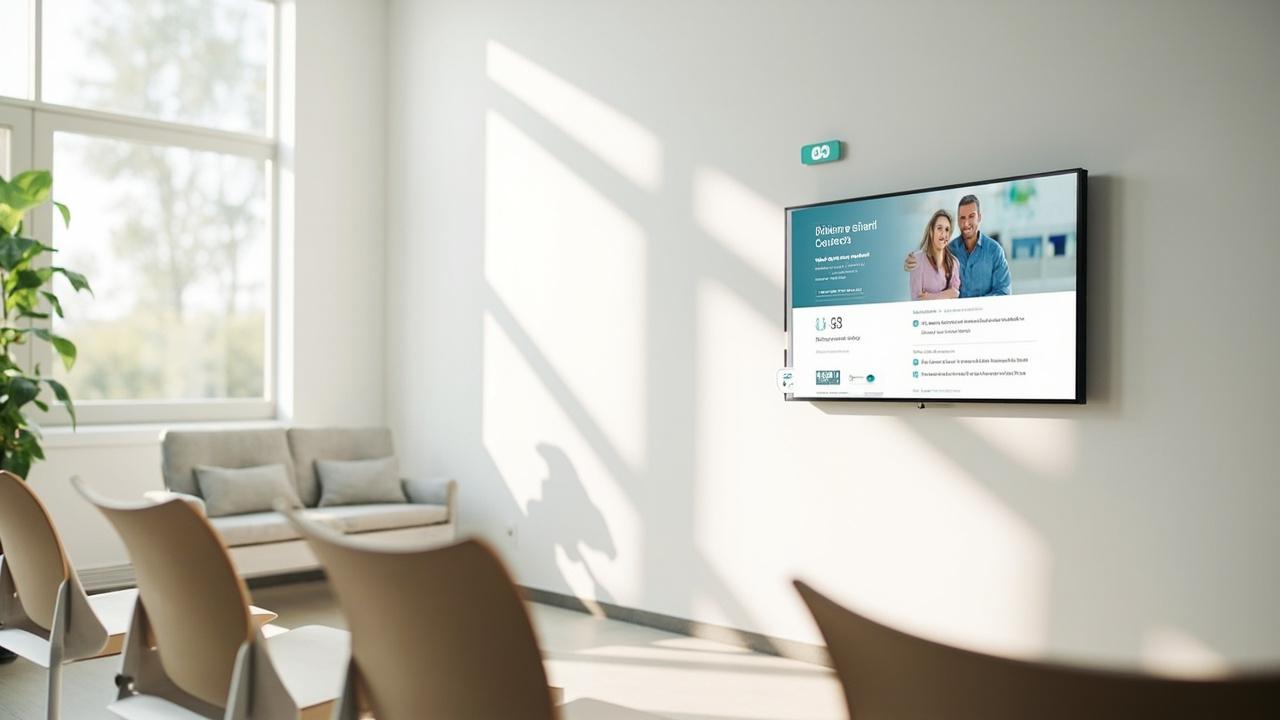
Layar ruang tunggu tidak hanya mengisi kesunyian — Antrian pasien, educating them about their visit, and signals that a clinic is professionally run. For procurement teams evaluating clinic signage, the questions are practical: which panel size, which fanless player, how calling works without exposing names, and how the kit updates across one site or twenty branches. This guide walks through the configuration, content, hardware and procurement criteria that matter for clinical environments.
Why Waiting Room Signage Changes the Patient Experience
An empty wall and a closed door invite patients to approach reception just to check whether they have been forgotten. A wall-mounted screen that carries queue status, health education and clinic logistics turns idle time into occupied time, and the effect is well documented in service research: occupied time passes faster than empty time. For small clinics the result is practical rather than strategic — calmer patients, fewer interruptions at the desk and a waiting room that looks professionally managed.
The same logic that applies to hotel lobby signage applies here, with two clinical twists: patient privacy in shared waiting areas and surfaces that must tolerate routine cleaning. A signage buyer should evaluate those constraints before panel size or content features.
Queue Calling Without Revealing Patient Names
For practices running a numbered sequence, the screen can act as a quiet calling board. The current number and the room or clinician called appear in large type, with reassurance text between calls, and the calling workflow runs from reception without integrating a large hospital system. Clinics that already use queue software can connect it where an interface exists, and integrations are specified per SKU rather than assumed by default.
- Current and recent called numbers visible at a glance
- Room or clinician indication without spoken announcements
- Number-based calling rather than patient names by default
- Integration with existing queue tools where an interface is exposed
Default to number-based calling. In a shared clinical waiting room, displaying a patient's full name is a privacy choice the practice must actively make, not a default the supplier can impose.
Sizing and Configurations by Practice Type
The 42-inch class fits most waiting rooms so numbers and education text read from every seat; compact panels suit small suites where reception sits close to the seating area. Hardware is commercial-grade and specified per SKU, which means ambient-light handling, panel brightness and continuous-duty ratings should be confirmed against the room before order. The table below summarises typical configurations by practice type; exact panel and player SKUs are scoped in the RFQ.
| Practice type | Typical configuration | Common content |
|---|---|---|
| Dental practice | 42-inch screen visible from all seats | Queue numbers, treatments, oral-health education |
| GP / family clinic | 42-inch screen with calling zone | Numbers, seasonal health reminders, services |
| Specialist consulting suite | 42-inch or compact panel | Clinic-specific education, waiting status |
| Optometry / audiology clinic | 42-inch screen near reception | Education, products, service information |
| Physiotherapy clinic | Compact panel by reception | Exercise guidance, appointment reminders |
| Multi-branch clinic group | Identical kit per branch, central CMS | Approved education with local calling |
For environments that also need a wayfinding cue, a wall-mounted two-side digital door sign can complement the waiting room screen, particularly in specialist consulting suites where the called room is on a separate corridor. The 43-inch wall-mounted interior digital signage is the typical SKU class referenced in the table.
Content Strategy for the Waiting Loop
The strongest loops mix education, logistics and modest promotion rather than running ads back-to-back. Practical content blocks include:
- Short health education pieces relevant to the practice's services
- What to expect from today's visit
- Preventive and seasonal reminders
- Information about additional services offered on-site
- Administrative essentials such as payment methods or repeat-prescription processes
Clinic groups typically maintain approved central playlists so every branch shows reviewed content; individual clinics can add local items inside controlled templates. The same editorial discipline that applies to good digital signage applies to clinical waiting rooms, with the additional rule that the clinic — not the supplier — approves and owns every health message. To see how the same content engine fits other clinical contexts, the signage placement guide covers waiting rooms, exam rooms and corridor wayfinding.
Hardware Kit: Fanless Player and Commercial Panel
The standard kit is one commercial panel and one fanless media player, wall-mounted by a local installer. The player caches the published loop offline, powers on automatically and recovers from power interruptions unattended, which is critical for an unattended screen in a clinical room. Commercial panels have smooth surfaces suited to the cleaning routines a practice already uses on its other equipment; per-model cleaning compatibility is available on request and is aligned per SKU.
For buyers comparing media player categories, the wider digital signage category and the digital signage player explainer cover the role of the player versus the panel. In clinics the fanless requirement is not negotiable — a small waiting room amplifies fan noise into a complaint, so a silent Android media player on a commercial-grade SoC is the typical choice. For sites that already run an enterprise fleet and want signage on the same management plane, an enterprise device licensing agreement simplifies multi-site provisioning.
Remote Management for Single Sites and Clinic Groups
A single-site practice needs a CMS that is simple enough for reception staff to use without technical training. Content is scheduled in advance, calling operates from a simple workflow, and updates happen through an ordinary web login rather than at the screen itself. A clinic group needs more: approved central playlists, draft-and-approval workflows, and visibility across every branch.
- Offline caching so the published loop survives internet outages
- Automatic recovery after power loss without an engineer visit
- Per-branch templates inside a centrally approved content tree
- Fleet monitoring with fixed BOM consistency across branches
These requirements sit inside a wider pattern covered in the industries using digital signage overview, and clinics share most of the same procurement considerations as the buyers discussed in the digital signage for small businesses guide.
Requesting a Quotation
To scope a kit, send the practice type, the waiting-room dimensions, the number of branches and whether a calling system is already in use. A scoped kit recommendation and RFQ are typically returned within roughly one business day. Pricing and lead times are confirmed per SKU and against the BOM, so the quote is reproducible across branches for group buyers who need to standardise. Installer scope is usually arranged locally so the practice controls scheduling around consulting hours.
Decision Framework at a Glance
The visuals below convert the criteria discussed above into a simple scoring view you can reuse with your own requirements. Weightings are illustrative defaults for this buying scenario, not measured performance data.
Content management ease
Kriteria berbobot untuk menilai perangkat penanda ruang tunggu klinik. Nilai ilustratif untuk perencanaan; bukan data tolok ukur terukur.
| Perangkat keras (panel + pemutar) | 45 | 45% | |
|---|---|---|---|
| Tenaga kerja pemasangan | 20 | 20% | |
| Pembuatan konten | 15 | 15% | |
| Lisensi & penyiapan CMS | 10 | 10% | |
| Pelatihan & orientasi | 5 | 5% | |
| Pemeliharaan berkelanjutan | 5 | 5% |
Komposisi biaya indikatif untuk proyek penanda ruang tunggu klinik. Nilai ilustratif untuk perencanaan; bukan data tolok ukur terukur.
Pertanyaan yang Sering Diajukan
Apakah layar digital cocok untuk ruang tunggu klinik kecil dengan satu lokasi?
Ya. Satu panel komersial dan satu pemutar tanpa kipas membentuk keseluruhan sistem. Tidak diperlukan platform perusahaan, meskipun perangkat yang sama dapat dihubungkan ke CMS grup klinik jika praktik tersebut kemudian berkembang. Pemanggilan dan penjadwalan sehari-hari dilakukan dari resepsion tanpa pelatihan teknis, dan pemutar menyimpan konten secara luring sehingga pemutaran tetap berjalan jika koneksi internet terputus. Ukuran dan SKU panel dikonfirmasi berdasarkan dimensi ruang saat penawaran.
Bisakah layar memanggil pasien tanpa疣債?
Ya. Pemanggilan berdasarkan nomor dengan indications ruang atau klinisi merupakan konfigurasi standar, sehingga ruang tunggu bersama tetap maintains privasi. Alur pemanggilan dijalankan dari resepsion tanpa integrasi dengan sistem antrean rumah sakit, dan klinik yang sudah menggunakan perangkat lunak antrean dapat memasangkannya jika antarmuka tersedia. Praktik yang lebih<'_>)'} memilih nama dapat mengonfigurasinya, tetapi default menghormati privasi pasien di ruang klinik bersama.
Siapa yang menyediakan konten edukasi kesehatan?
Klinik menyetujui dan memiliki seluruh messaging kesehatan. Grup sering kali mengelola daftar putar terpusat yang telah disetujui, dan CMS mendukung alur kerja draf dan persetujuan. Pemasok menyediakan pemutar, panel, dan alat manajemen konten, tetapi tidak menyusun klaim medis. Klinik lokal menambahkan item dalam templat terkendali sehingga setiap cabang menampilkan messaging yang telah ditinjau dan sesuai merek, sedangkan tanggung jawab akhir atas ketepatan klinis tetap berada pada praktik tersebut.
Apa yang terjadi jika internet gagal?
Pemutaran dan tata letak pemanggilan yang dipublikasikan tetap berjalan dari cache lokal. Konten baru yang dijadwalkan berlaku ketika konektivitas kembali, dan pemutar pulih secara otomatis setelah gangguan listrik tanpa memerlukan kunjungan teknisi. Untuk grup dengan banyak cabang, status perangkat ditampilkan di konsol terpusat setelah koneksi dipulihkan. Perilaku luring merupakan bagian dari perangkat standar, bukan fitur premium.
Bisakah layar dibersihkan seperti permukaan klinik lainnya?
Panel komersial memiliki permukaan halus yang sesuai untuk pembersihan rutin sesuai kebijakan praktik. Panduan kompatibilitas pembersihan untuk setiap model tersedia atas permintaan dan biasanya selaras dengan disinfektan yang sama dengan yang sudah digunakan klinik pada peralatan lainnya. Pemutar tanpa kipas tidak memiliki ventilasi yang dapat menjebak debu, yang juga membantu menjaga higienis di ruang klinis selama interval servis yang panjang.
Seberapa besar ukuran layar yang tepat?
Kelas 42 inci mencakup sebagian besar ruang tunggu sehingga nomor dan teks edukasi dapat dibaca dari setiap kursi. Suite yang lebih kecil kadang menggunakan panel ringkas yang lebih dekat dengan resepsion. Ukuran persis dikonfirmasi berdasarkan dimensi ruang, tata letak tempat duduk, dan jarak pandang saat penawaran, sedangkan SKU panel ditentukan untuk setiap proyek, bukan dipilih dari katalog generik.
Langkah Selanjutnya
Siap mengubah panduan ini menjadi rencana pengadaan? Tinjau ikhtisar teknis lengkap untuk topik ini, jelajahi pustaka Panduan Pembelian DataMax, atau hubungi tim rekayasa DataMax dengan konfigurasi target, volume, dan pasar tujuan Anda untuk memperoleh respons RFQ yang terperinci dan contoh rencana.


