
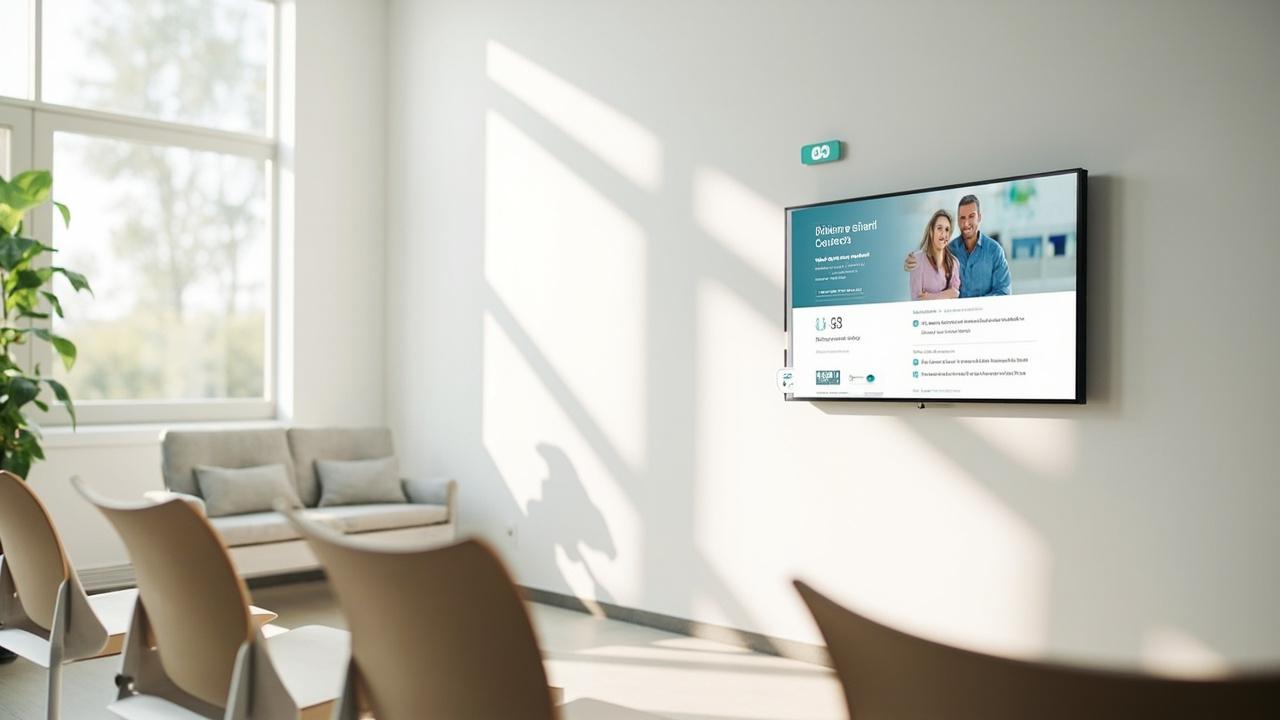
A waiting room screen does more than fill silence — it queues patients, educates them about their visit, and signals that a clinic is professionally run. For procurement teams evaluating clinic signage, the questions are practical: which panel size, which fanless player, how calling works without exposing names, and how the kit updates across one site or twenty branches. This guide walks through the configuration, content, hardware and procurement criteria that matter for clinical environments.
Why Waiting Room Signage Changes the Patient Experience
An empty wall and a closed door invite patients to approach reception just to check whether they have been forgotten. A wall-mounted screen that carries queue status, health education and clinic logistics turns idle time into occupied time, and the effect is well documented in service research: occupied time passes faster than empty time. For small clinics the result is practical rather than strategic — calmer patients, fewer interruptions at the desk and a waiting room that looks professionally managed.
The same logic that applies to hotel lobby signage applies here, with two clinical twists: patient privacy in shared waiting areas and surfaces that must tolerate routine cleaning. A signage buyer should evaluate those constraints before panel size or content features.
Queue Calling Without Revealing Patient Names
For practices running a numbered sequence, the screen can act as a quiet calling board. The current number and the room or clinician called appear in large type, with reassurance text between calls, and the calling workflow runs from reception without integrating a large hospital system. Clinics that already use queue software can connect it where an interface exists, and integrations are specified per SKU rather than assumed by default.
- Current and recent called numbers visible at a glance
- Room or clinician indication without spoken announcements
- Number-based calling rather than patient names by default
- Integration with existing queue tools where an interface is exposed
Default to number-based calling. In a shared clinical waiting room, displaying a patient's full name is a privacy choice the practice must actively make, not a default the supplier can impose.
Sizing and Configurations by Practice Type
The 42-inch class fits most waiting rooms so numbers and education text read from every seat; compact panels suit small suites where reception sits close to the seating area. Hardware is commercial-grade and specified per SKU, which means ambient-light handling, panel brightness and continuous-duty ratings should be confirmed against the room before order. The table below summarises typical configurations by practice type; exact panel and player SKUs are scoped in the RFQ.
| Practice type | Typical configuration | Common content |
|---|---|---|
| Dental practice | 42-inch screen visible from all seats | Queue numbers, treatments, oral-health education |
| GP / family clinic | 42-inch screen with calling zone | Numbers, seasonal health reminders, services |
| Specialist consulting suite | 42-inch or compact panel | Clinic-specific education, waiting status |
| Optometry / audiology clinic | 42-inch screen near reception | Education, products, service information |
| Physiotherapy clinic | Compact panel by reception | Exercise guidance, appointment reminders |
| Multi-branch clinic group | Identical kit per branch, central CMS | Approved education with local calling |
For environments that also need a wayfinding cue, a wall-mounted two-side digital door sign can complement the waiting room screen, particularly in specialist consulting suites where the called room is on a separate corridor. The 43-inch wall-mounted interior digital signage is the typical SKU class referenced in the table.
Content Strategy for the Waiting Loop
The strongest loops mix education, logistics and modest promotion rather than running ads back-to-back. Practical content blocks include:
- Short health education pieces relevant to the practice's services
- What to expect from today's visit
- Preventive and seasonal reminders
- Information about additional services offered on-site
- Administrative essentials such as payment methods or repeat-prescription processes
Clinic groups typically maintain approved central playlists so every branch shows reviewed content; individual clinics can add local items inside controlled templates. The same editorial discipline that applies to good digital signage applies to clinical waiting rooms, with the additional rule that the clinic — not the supplier — approves and owns every health message. To see how the same content engine fits other clinical contexts, the signage placement guide covers waiting rooms, exam rooms and corridor wayfinding.
Hardware Kit: Fanless Player and Commercial Panel
The standard kit is one commercial panel and one fanless media player, wall-mounted by a local installer. The player caches the published loop offline, powers on automatically and recovers from power interruptions unattended, which is critical for an unattended screen in a clinical room. Commercial panels have smooth surfaces suited to the cleaning routines a practice already uses on its other equipment; per-model cleaning compatibility is available on request and is aligned per SKU.
For buyers comparing media player categories, the wider digital signage category and the digital signage player explainer cover the role of the player versus the panel. In clinics the fanless requirement is not negotiable — a small waiting room amplifies fan noise into a complaint, so a silent Android media player on a commercial-grade SoC is the typical choice. For sites that already run an enterprise fleet and want signage on the same management plane, an enterprise device licensing agreement simplifies multi-site provisioning.
Remote Management for Single Sites and Clinic Groups
A single-site practice needs a CMS that is simple enough for reception staff to use without technical training. Content is scheduled in advance, calling operates from a simple workflow, and updates happen through an ordinary web login rather than at the screen itself. A clinic group needs more: approved central playlists, draft-and-approval workflows, and visibility across every branch.
- Offline caching so the published loop survives internet outages
- Automatic recovery after power loss without an engineer visit
- Per-branch templates inside a centrally approved content tree
- Fleet monitoring with fixed BOM consistency across branches
These requirements sit inside a wider pattern covered in the industries using digital signage overview, and clinics share most of the same procurement considerations as the buyers discussed in the digital signage for small businesses guide.
Requesting a Quotation
To scope a kit, send the practice type, the waiting-room dimensions, the number of branches and whether a calling system is already in use. A scoped kit recommendation and RFQ are typically returned within roughly one business day. Pricing and lead times are confirmed per SKU and against the BOM, so the quote is reproducible across branches for group buyers who need to standardise. Installer scope is usually arranged locally so the practice controls scheduling around consulting hours.
Decision Framework at a Glance
The visuals below convert the criteria discussed above into a simple scoring view you can reuse with your own requirements. Weightings are illustrative defaults for this buying scenario, not measured performance data.
Content management ease
22 · 100% of max
Fanless silent operation
18 · 81.8% of max
Patient privacy controls
17 · 77.3% of max
Display readability
15 · 68.2% of max
Hygiene-friendly surface
13 · 59.1% of max
Offline cache & recovery
15 · 68.2% of max
Weighted criteria for evaluating clinic waiting room signage kits. Illustrative values for planning; not measured benchmark data.
| Hardware (panel + player) | 45 | 45% | |
|---|---|---|---|
| Installation labor | 20 | 20% | |
| Content creation | 15 | 15% | |
| CMS licensing & setup | 10 | 10% | |
| Training & onboarding | 5 | 5% | |
| Ongoing maintenance | 5 | 5% |
Indicative cost composition for a clinic waiting room signage project. Illustrative values for planning; not measured benchmark data.
Frequently Asked Questions
Is a digital screen suitable for a small single-clinic waiting room?
Yes. One commercial panel and one fanless player form the entire system. There is no requirement for an enterprise platform, though the same kit can join a clinic group's CMS if the practice later expands. Day-to-day calling and scheduling run from reception without technical training, and the player caches content offline so the loop continues if the internet drops. Sizing and panel SKU are confirmed from the room dimensions during quotation.
Can the screen call patients without revealing names?
Yes. Number-based calling with room or clinician indication is the standard configuration, keeping a shared waiting room discreet. The calling workflow runs from reception without integrating a hospital queue system, and clinics already using queue software can connect it where an interface exists. Practices that prefer names can configure them, but the default respects patient privacy in shared clinical spaces.
Who supplies the health education content?
The clinic approves and owns all health messaging. Groups often maintain approved central playlists, and the CMS supports draft-and-approval workflows. The supplier provides the player, panel and content management tools but does not author medical claims. Local clinics add items inside controlled templates so every branch shows reviewed, on-brand messaging, and final responsibility for clinical accuracy sits with the practice.
What happens if the internet fails?
The published loop and calling layout continue from local cache. New scheduled content applies when connectivity returns, and the player recovers automatically after a power interruption without an engineer visit. For multi-branch groups, fleet status surfaces in the central console once the connection is restored. Offline behaviour is part of the standard kit, not a premium feature.
Can the screen be cleaned like other clinic surfaces?
Commercial panels have smooth surfaces suited to routine cleaning per the practice's policy. Per-model cleaning compatibility guidance is available on request and is typically aligned with the same disinfectants a clinic already uses on other equipment. The fanless player has no vents to trap dust, which also helps hygiene in clinical rooms over long service intervals.
How large should the screen be?
The 42-inch class covers most waiting rooms so numbers and education text read from every seat. Smaller suites sometimes use compact panels closer to reception. Exact sizing is confirmed from room dimensions, seating layout and viewing distance during quotation, and panel SKUs are specified per project rather than chosen from a generic catalog.
Next Steps
Ready to turn this guide into a procurement plan? Review the full technical overview for this topic, browse the DataMax Buying Guides library, or contact DataMax engineering with your target configuration, volume and destination market for a scoped RFQ response and sample plan.


