Wireless mirroring first
Presenters mirror from a laptop, tablet or phone without a dongle pile or hunting under the table. GP8 carries wireless mirroring as a core business feature.

Wireless-first presentations, ultra-short-throw placement and brightness classes matched to real room lighting — 400 to 1000 ANSI across the GP business range, with the exact shipping model named for every room tier.
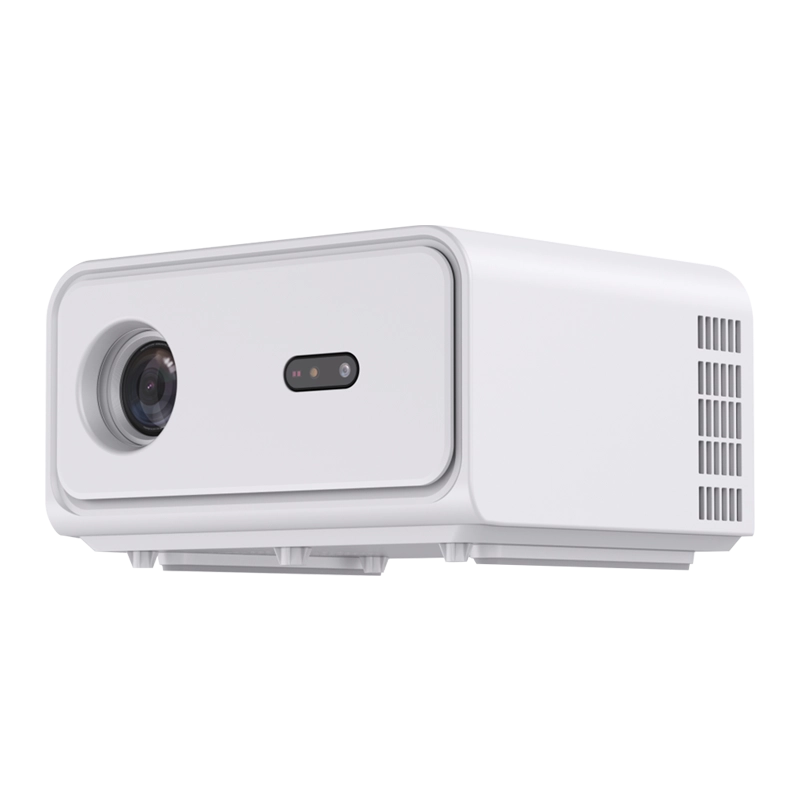
Room tiers
Standardise three room types instead of maintaining a projector graveyard. Brightness classes are the ANSI figures carried in the model names.
| Room type | Lighting reality | What to specify | DataMax model |
|---|---|---|---|
| Huddle room (2–6 people) | Indoor lighting | UST mirror-first unit, fast start, no remote hunt | GP8 400 ANSI UST |
| Standard meeting room (6–14) | Mixed, often lights on | Bright 800 ANSI sealed engine for readable spreadsheets | GP98 800 ANSI |
| Boardroom / training hall | Daylight plus video conferencing | 1000 ANSI class with managed Google TV experience | GP96-GTV 1000 ANSI |
| Multi-purpose / smaller room | Blinds available | Native 1080P value tier with Android built in | GP94A 400 ANSI |
Why "lumens" and ANSI lumens are not the same number — the ANSI lumens guide explains the measurement and the return-risk.
What IT teams learn the hard way
Meeting-room AV fails in predictable, repeatable ways — and almost every failure would have been visible in a single pilot room. The room that looks fine in a sales demo is not the room that hosts an 8 a.m. budget review with the blinds open, a visiting client on a locked-down laptop and a hybrid team on camera.
The two decisions that matter most are brightness measured honestly against real lighting — the ANSI lumens guide explains why marketing lumens drive returns — and placement that respects both the beam and the video-conferencing sightline. The remaining four are policy and preparation, not hardware.
Standardise the outcome, not just the unit: one SKU per room tier, one boot and source policy provisioned at the factory, one swap procedure for failures. The batch QC and aging process keeps ceiling-mounted units off the repair list, and the AOSP vs Google TV guide helps IT choose how locked down the room software should be.
Send the room inventoryMarketing lumen numbers run far above measured ANSI values. Spreadsheets expose the gap immediately — always specify the ANSI class carried in the model name.
A ceiling-centre projector and a wall-bar camera can fight for sightlines. UST placement keeps presenters out of both the beam and the camera frame.
Built-in speakers handle short meetings; boardrooms and hybrid calls need a microphone and speaker plan. Specify audio before the room is finished.
“Mirroring works” means nothing until Windows, macOS, Android and iOS devices from the actual fleet have connected on the room network.
Guest presenters and locked-down corporate laptops still need one cable input that always works, even on a wireless-first standard.
Without a locked boot, source and update policy, identical rooms develop different menus and firmware. Policy is provisioned centrally, not fixed per room.
Meeting flow
Presenters mirror from a laptop, tablet or phone without a dongle pile or hunting under the table. GP8 carries wireless mirroring as a core business feature.
An ultra-short-throw engine sits above or below the screen, so nobody crosses the beam to reach a seat or the VC camera — with auto offset making redeployment fast.
Autoplay, fixed input and update policy mean every room starts the day on the right source; IT does not rebuild settings before each meeting.
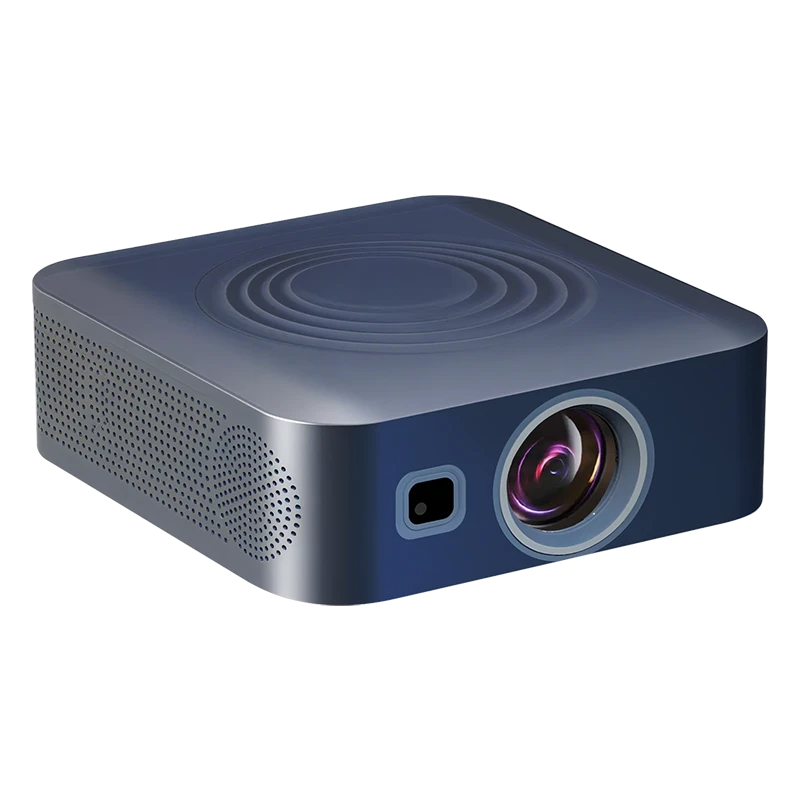 GP98 · 800 ANSI · dust-free high-brightness class
Bright rooms, small text
Movie content forgives a dim image; a 10-point spreadsheet in a daylit boardroom does not. Size the 800–1000 ANSI classes for rooms that run with lights and blinds open, and prefer the dust-free engines because meeting-room ceilings are serviced last.
The shipping range
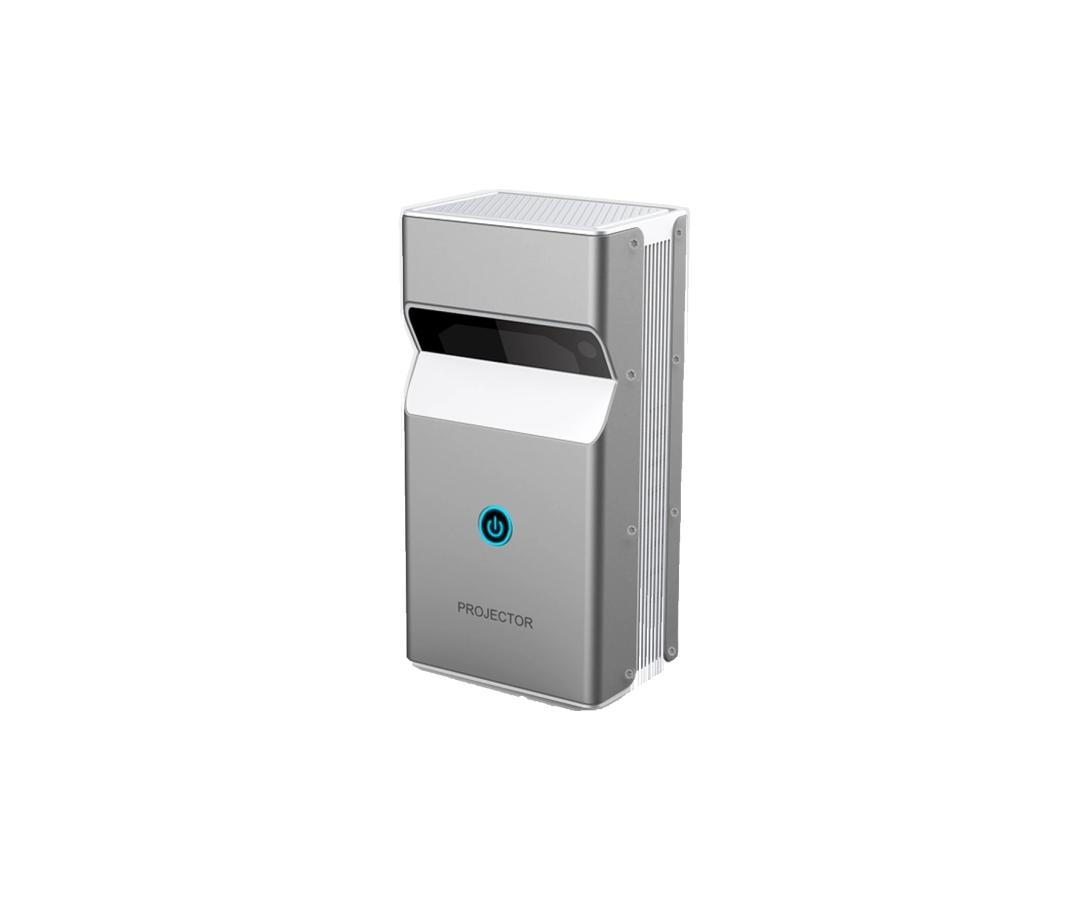
400 ANSI UST business projector with auto offset, wireless mirroring, dual speakers and optional touch for huddle and board rooms.
View model spec1000 ANSI Google TV built-in, dust-free design for daylit boardrooms and auditorium-scale images.
View model spec800 ANSI high-brightness dust-free projector for meeting spaces that run with the lights and blinds open.
View model spec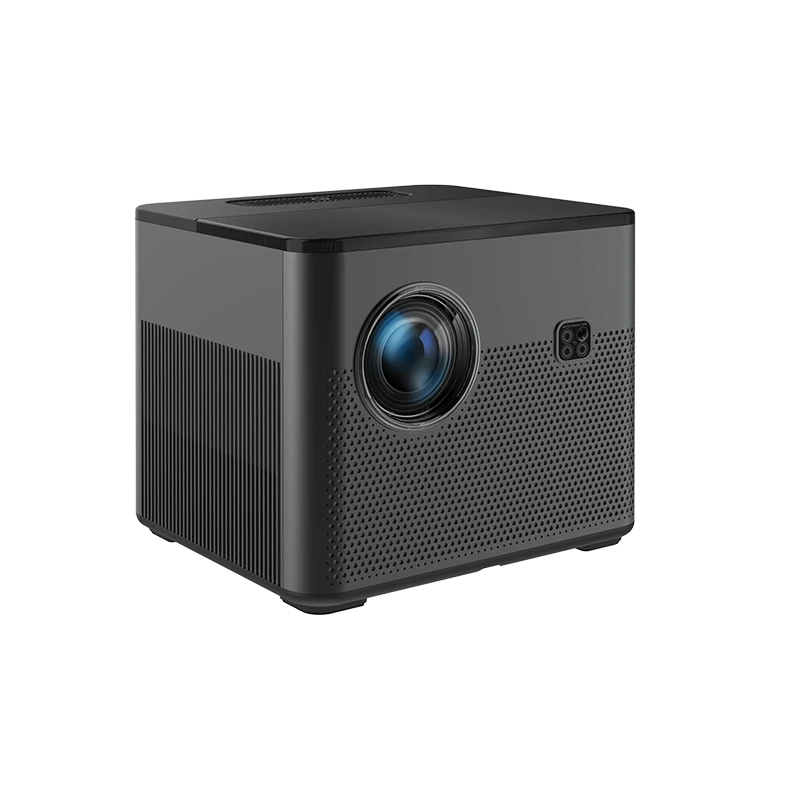
400 ANSI native 1080P with 4K video decoding and Android 9 for smaller, controlled-light meeting rooms.
View model specCards render only for published SKUs; confirm throw, interfaces and brightness on the per-model spec sheet.
AV / IT specification
On-product demo · OPS Android compute powering an interactive meeting panel
Projection vs interactive panel
A small huddle room that writes on the screen all day is usually better served by a 65–75″ touch panel than by a projector; a boardroom or auditorium viewing at distance in daylight is the opposite call. The panel track runs on the same OPS Android compute shown in this genuine factory clip — managed, locked and updated exactly like our projector firmware.
Meeting room FAQ
Meeting content is often spreadsheets and documents with small text, so err brighter than for video use: 400 ANSI handles huddle rooms with controlled light (GP8 UST, GP94A), 800 ANSI covers typical meeting rooms with lights on (GP98), and 1000 ANSI is the boardroom/auditorium class (GP96-GTV). ANSI figures here are the measured values in the model names, not marketing lumens.
A UST projector at the screen removes the presenter from the beam — nobody shadows the slide walking to the VC camera or a seat — and eliminates the long cable and ceiling-centre alignment problems of a conventional throw. The GP8 UST adds auto offset and wireless mirroring, which makes room resets quick.
Wireless mirroring built into the projector lets laptops, tablets and phones push the screen over the room network; for environments that standardise on Google services, the Google TV built-in models add a managed casting experience alongside it. Confirm the device mix (OS and mirroring protocol) during scoping.
For rooms that want an app-and-casting-ready smart interface with minimal configuration, the GP96-GTV Google TV build is useful and still allows lockdown and source policy to be configured. For central MDM control or a single-purpose signage-style experience, an AOSP or fixed-input build may fit better — engineering quotes the build to the IT policy.
Meeting rooms are frequently ceiling-mounted and rarely serviced, so a dust-resistant optical path protects brightness over time; the GP98 and GP96-GTV carry the dust-free design. As elsewhere, DataMax presents this as engineering and maintenance design rather than a quantified certified ingress rating.
Yes — tier the rooms (huddle, standard, boardroom), pick one SKU per tier, and DataMax provisions the same build and policy across sites with a fixed, change-controlled BOM. A pilot room per tier validates mounting and mirroring before the batch rollout; contact engineering with the room inventory for model-per-tier pricing and MOQ bands.
The projector is the display leg of the room; the camera, microphones and speaker are planned around it on the room drawing. UST placement matters most here — the GP8 sits at the screen wall, so presenters never cross the beam and the camera sightline stays clear of ceiling hardware. During the pilot room, engineering reviews the camera bar position, seating, screen size and any integrated speakerphone so the hybrid experience is validated once and replicated, rather than troubleshot room by room.
Every standard keeps a wired path: an HDMI input at the table with a known cable and adapter set is specified even on wireless-first rooms, and autoplay/fixed-source policy means the room always wakes to a known state. Mirroring itself is validated against your actual device mix — Windows, macOS, Android and iOS — on the room network during the pilot, including the guest VLAN where presenters actually connect. If your policy requires it, the AOSP build can lock the room to approved presentation methods only.
Often a panel. A 65–75-inch touch panel is usually the better answer for two to six people who annotate and whiteboard at arm’s length all day; projection wins when viewing distance, screen size or daylight increases, as in standard rooms, boardrooms and auditoria. DataMax manufactures both tracks — including OPS slot-in Android compute for interactive panels — so the recommendation is made from the room size and use pattern rather than from a catalogue. The product demo further down this page shows the panel compute in action.
Subscribe to our newsletter and be the first to know about new products, OEM/ODM tips, exclusive offers, and factory updates.
