
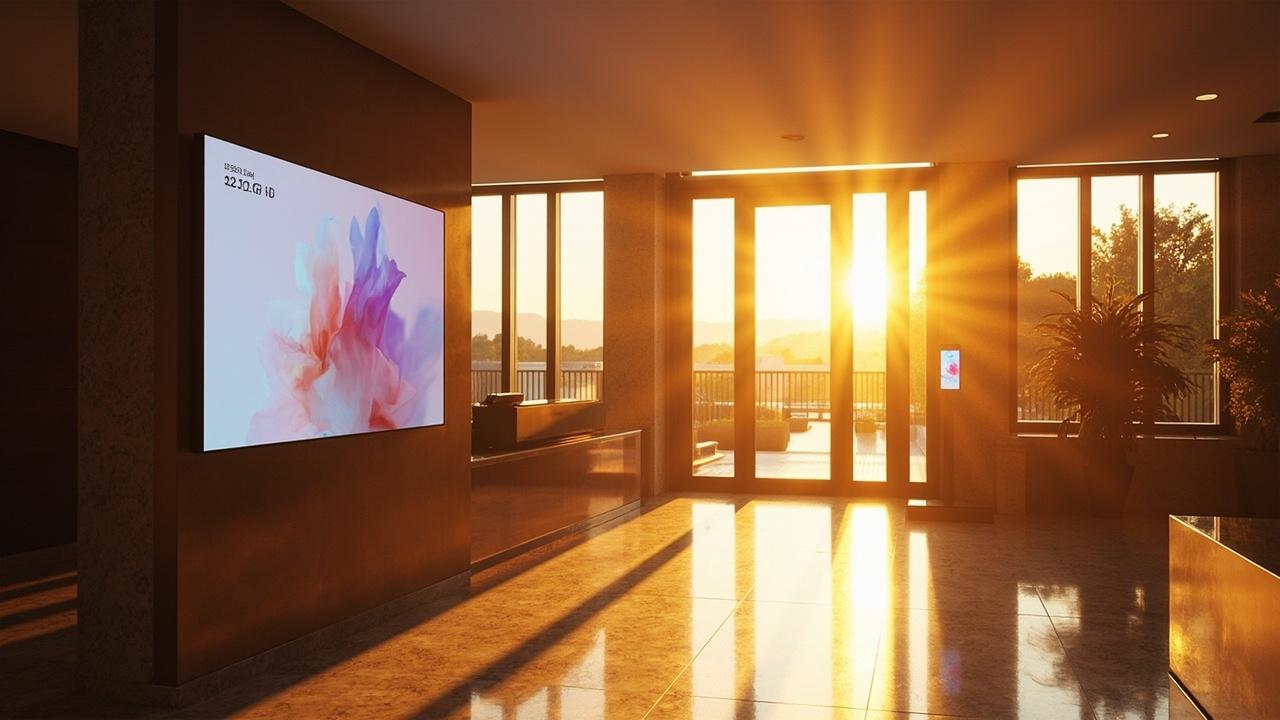
Hotel digital signage is usually purchased screen by screen, which is why so many properties end up with a lobby display running one tool, an event board running another, and menus still printed on paper. A better procurement approach plans the system along the guest journey and ships lobby, wayfinding, function-room, F&B and corridor zones from a single CMS on a fixed hardware BOM. This guide walks procurement engineers and project owners through the decisions that decide whether a hotel signage deployment stays useful for years or becomes an orphan-screen collection.
Plan the System Along the Guest Journey, Not Around Screens
Hotel signage projects most often fail for procurement reasons, not technical ones. The displays work, the players boot, the cables go in — and three months later, the lobby shows last week's weather, the meeting-room board still lists yesterday's seminar, and the restaurant has gone back to laminated A3 printouts because nobody is allowed to touch the CMS. The root cause is that screens were bought one by one, for one room at a time, without an answer to the simple question: who edits this on a Wednesday at 4 p.m. when the buffet is changing?
A workable plan starts from the guest journey, not the equipment list. From arrival to departure, every moment a guest forms an impression of a property is also a question a member of staff would otherwise answer. The job of a hotel digital signage system is to answer those questions before they are asked, with content that can change by the hour and by the language, on screens that survive the duty cycle of hospitality. Procurement engineers who plan this way treat displays, players and software as one product that ships zone by zone, not three categories that happen to sit on the same wall.
The same logic applies whether the property is a single 120-room hotel or a regional group with ten. Once the journey is mapped, the zones, the screens, the playlists and the editing rights fall out of it as a single specification — and that specification is what goes out to tender.
Spec the Hardware Bundle: Commercial Displays and Matched Players
The mainstream hospitality pack pairs a 42-inch commercial display with a fanless Android media player, and that combination is what most properties will end up with. The display tier used here is built for daily signage duty: landscape or portrait operation, longer daily runtimes than a residential panel, and brightness profiles matched to interior environments. Brightness and duty-cycle figures are commercial-grade, but they are specified per SKU and confirmed during the property site survey, because lobby glass, west-facing corridors and pool zones are not equivalent deployments.
The matched player is what carries the load when things go wrong. Auto-play on boot, watchdog recovery after a hang, kiosk-mode lockdown to stop guests reaching the launcher, and remote management from the central CMS are the four behaviours a hospitality player has to provide on day one. Buying panels and players from two different suppliers because one is cheaper reintroduces exactly the integration gaps a buyer wanted to avoid — the player that needs a special EDID timing, the panel that does not respect a wake-on-LAN packet, the firmware that refuses to update over the guest VLAN.
Procurement rule: always specify the panel and the player as one validated bundle, with a single firmware image that the supplier maintains. Mixed-vendor stacks are how signage projects accumulate invisible integration cost.
For properties that want a smaller welcome screen or a directory point, options such as a 43-inch wall-mounted interior digital signage display sit alongside the 42-inch mainstream. Reception desks and concierge tables are also common placements for compact form factors like the desktop digital signage unit used in hospitality kiosks, and boutique or retail-attached properties often pair a 42-inch with a vertical L-shape unit such as the DP104R vertical L-shape desktop display for a counter-front menu.
Run the Property From One CMS
Running separate screens from separate USB sticks is exactly how hotel signage projects fail. A central content management system is what makes a property-wide deployment a single product rather than a collection of screens. Inside the CMS each physical player is a named device assigned to a group — lobby, events, F&B, spa, corridor — and each group has its own scheduled playlists, daypart switching and expiry dates. A comparison of how display categories map to content management roles is covered separately in this overview of digital signage display types, but the procurement point is that groups, not screens, are the unit you license and govern.
Dayparting is the practical feature that decides whether the system earns its keep. Breakfast playlists run until 11 a.m., daytime content covers meetings and the spa, evening content runs dinner and bar offers, and overnight screens switch to a low-brightness directory or a brand video. Template locking protects what matters: brand colour, typography, logo placement and approved media are governed centrally, while reception or marketing staff edit only the text fields they own. The property manager cannot accidentally publish a welcome board that is off-brand.
Offline playback is the third thing to test during procurement. When the guest Wi-Fi drops — and it will — the players should keep running their last cached schedule, and the displays should recover automatically after a power blip without anyone walking to the screen with a keyboard. For multi-property groups, the same CMS instance publishes common content to every property while local teams add property-specific items — which is also why a hospitality TV box with PMS integration is often specified alongside signage on the same network.
Configure Each Zone: Panels, Players and Content Role
Full-service properties typically use four to six screen types; smaller properties can start with two. The configuration below is a typical mapping; exact panel tier, orientation and player performance are confirmed per property during the site survey. Brightness and duty-cycle figures for hospitality-grade panels are commercial-grade and specified per SKU.
| Location | Screen configuration | Primary content |
|---|---|---|
| Lobby / behind reception | 42-inch commercial display, landscape or portrait welcome wall | Welcome message, today's events, weather, brand storytelling |
| Lobby directory point | 42-inch non-touch or touch configuration | Wayfinding, multi-language floor and venue guidance |
| Lift lobbies and corridors | Slim displays, portrait where wall space is limited | Direction, facilities information, promotional loops |
| Meeting room corridor | Smaller slim panels outside each function room | Live event name, organiser, agenda |
| Restaurant and bar | 42-inch menu board, landscape or multi-panel rail | Menus, dayparts, daily specials and promotions |
| Spa and wellness area | 42-inch with ambient brightness profile | Treatment menus and ambient video |
| Pool and gym zones | Panel tier matched to the environment | Opening hours, rules, classes and activities |
Outside each meeting room the goal is to remove printed agenda sheets. Where the property booking platform exposes a feed, the function-room screens can be driven from it directly; where it does not, a semi-automated agenda workflow is the practical compromise — and how a digital signage player handles that workflow is set out in the dedicated player guide.
Standardise the BOM for Multi-Property Rollouts
Hotel groups buy signage the way they buy housekeeping keys: once, in volume, against a fixed specification. The reason is that a screen ordered for a new property two years from now has to match the fleet already installed — same panel, same player, same firmware baseline, same CMS template set. A per-property quote that mixes brands and sizes is a per-property integration project for as long as the property exists.
Fixed-BOM configurations, batch consistency and central CMS control are the three things the standard 42-inch hotel signage platform is designed to deliver, and they are also the main reason groups standardise on one platform across regions. Smaller properties that want a phased rollout can start with two or three screens — typically a welcome wall, a wayfinding point and a restaurant menu — and add the rest onto the same CMS instance as budget allows, as covered in our notes on signage for smaller operators. The same principle extends to the in-room side of the property: many groups prefer one supplier for both signage and hospitality TV because the integration to the PMS layer is identical, which is why a hotel TV box supplier with PMS integrations often sits next to the signage supplier on the procurement shortlist.
Procurement Decisions: Cost Recovery, Roles and References
Hotel signage pays back in two currencies, and both should be modelled during the quotation stage rather than after. The first is operational cost that disappears: printed welcome cards, reprinted function-room sheets, manually updated menus and staff time spent giving the same directions to the lift or the spa. The second is promotion that previously had no channel — spa treatments, restaurant tables, upgraded rooms and local partner offers shown to guests at the point they are deciding how to spend the day. We do not publish invented uplift percentages; commercial buyers can run their own model against their own print spend and F&B volumes.
Three operational decisions sit with procurement rather than IT, and they are easiest to settle before the PO is signed.
- Editing roles. Reception or marketing staff edit text fields inside locked templates; head office controls brand assets and group-wide playlists. Role-based access in the CMS is the mechanism, and it should be demonstrated during factory acceptance, not assumed.
- Failure recovery. Players cache scheduled content and keep playing without a network connection, and both display and player are configured to power on and resume playback automatically after an outage. No manual restart at the screen should be required.
- Local integration. Most rollouts are delivered with a local installation or integration partner while the hardware supplier provides configured devices, firmware and documentation. If you already work with an integrator, that team should be supplied with technical materials directly.
On references: deployments exist in hospitality-heavy markets, including the Middle East, but named properties and site details are shared only with customer authorisation and under NDA. Your account engineer can put together the reference set that is closest to your segment, region and scale.
Decision Framework at a Glance
The visuals below convert the criteria discussed above into a simple scoring view you can reuse with your own requirements. Weightings are illustrative defaults for this buying scenario, not measured performance data.
Centralised CMS control
24 · 100% of max
Commercial-grade panels
20 · 83.3% of max
Player reliability & watchdog
16 · 66.7% of max
Multi-property rollout plan
15 · 62.5% of max
Offline playback
13 · 54.2% of max
Local integrator ecosystem
12 · 50% of max
Suggested weighting of evaluation criteria for a hotel digital-signage procurement. Illustrative values for planning; not measured benchmark data.
| Display panels | 38 % of indicative CAPEX | 38% | |
|---|---|---|---|
| Installation & cabling | 22 % of indicative CAPEX | 22% | |
| Media players | 17 % of indicative CAPEX | 17% | |
| CMS licensing | 15 % of indicative CAPEX | 15% | |
| Spares and contingency | 8 % of indicative CAPEX | 8% |
Indicative CAPEX allocation across a 42-inch hotel digital-signage deployment. Illustrative values for planning; not measured benchmark data.
Frequently Asked Questions
How many screens does a hotel actually need?
Full-service properties commonly deploy six or more zones across the lobby, lift lobbies, events corridor and F&B outlets. A sensible first phase is two or three screens — a welcome wall, a wayfinding point and a restaurant menu board — all managed from the same CMS instance. Additional zones are added onto the same content management system later, without re-cabling the property.
Can content be different for each area of the hotel?
Yes. Each player is named and assigned to a group, so the lobby, meeting rooms, restaurant and spa each receive their own playlists and schedules. Brand templates and approved media stay centrally controlled so local teams can edit the text fields they own without risk to brand consistency.
What happens when the internet or power fails?
Players cache scheduled content locally and keep playing without a connection, and both display and player are configured to power on and resume playback automatically after an outage. No manual restart at the screen is required, which is one of the procurement checks we recommend running during factory acceptance testing.
Who updates the content day to day?
Reception or marketing staff use the CMS with role-based access, editing approved text fields and selecting from approved media while templates protect the brand. For groups, headquarters can publish common content to every property and allow local teams to add property-specific items without leaving the platform.
Can the screens show multiple languages for international guests?
Yes. Multi-language layouts — including right-to-left support where required — are built into the templates from the start. Content can rotate languages on a schedule, or for touch directories the guest can select the preferred language at the kiosk. Languages are part of the original specification rather than a retrofit.
Can you supply the same configuration across several hotels?
Yes. Fixed-BOM configurations, batch consistency and central CMS control are designed for that case and are the main reason hotel groups standardise on one 42-inch platform across regions. Procurement engineers can therefore treat property number ten the same way they treated property number one.
Next Steps
Ready to turn this guide into a procurement plan? Review the full technical overview for this topic, browse the DataMax Buying Guides library, or contact DataMax engineering with your target configuration, volume and destination market for a scoped RFQ response and sample plan.


