A standardised white field
The projector displays a full-screen 100% white test image in a fixed reference picture mode, after warm-up at its rated supply voltage — not a showroom demo reel.
White fieldReference mode
Optical laboratory · projector brightness guide
Lumens are the most quoted — and most misread — number on a projector spec sheet. This guide explains how ANSI lumens are measured across the nine-point grid, why light-source and LED lumens are not comparable, and how to pick a brightness band for your room against four real, measured machines.
The measurement standard
A lumen is a unit of visible light. The important word is where it is measured. ANSI lumens describe the light arriving on the screen — the output of the entire projector, optics included — rather than the raw output of the light source inside it.
The projector displays a full-screen 100% white test image in a fixed reference picture mode, after warm-up at its rated supply voltage — not a showroom demo reel.
White fieldReference modeThe image is divided into nine equal rectangles. The ANSI/NAPM IT7.228 family of methods centres a reading in each rectangle; ISO/IEC 21118 uses a comparable nine-point layout.
9 rectanglesIT7.228-styleA calibrated light meter measures illuminance at the screen plane for every point — eight around the field and one in the centre — so a bright hotspot cannot carry the spec.
Calibrated meter9 pointsThe nine readings are averaged and multiplied by the projected area. The result is the light the complete projector actually puts on screen, expressed in lumens.
Mean valueWhole engineWhy buyers trust this figure. Because the same nine-point procedure is applied to every model, ANSI lumens are the most comparable brightness number available when cross-shopping brands. They already account for the LED, the imaging panels, the prism and the lens — every loss between the light source and the wall. Always ask which lumen definition a brochure is using before comparing two projectors.
Light source lumens vs ANSI
Bright, round figures such as “9,000 LED lumens” are common on budget packaging. They are not necessarily wrong — they are simply measuring a different stage of the light path, usually at the emitter rather than at the screen.
The number to write into a purchasing specification.
A component rating, not a screen brightness rating.
How to read a brochure responsibly: if only light-source or LED lumens are printed, ask the supplier for the nine-point ANSI or ISO/IEC 21118 figure for the exact SKU and picture mode. This is standard diligence rather than an accusation — most catalogues simply lead with the larger number. DataMax quotes measured, model-level brightness across the certified Google TV projector line.
Room brightness selection
There is no single answer to “how many lumens for a projector” — the correct output is whatever beats the ambient light on your screen size. Four variables do most of the work.
Room light reflected back onto the screen sets the brightness floor. A fully darkened room is forgiving; lamps, windows and white walls all raise the output you need.
The same lumens spread over a larger screen are dimmer per square metre. A higher-gain screen brightens an on-axis seat but narrows the viewing cone and can hot-spot.
A longer throw enlarges the image and lowers foot-lamberts. Ultra-short-throw optics solve room geometry, while zoom and lens shift change the usable image area.
HDR highlights and daytime sport need headroom above average brightness. An engine with reserve holds specular highlights without clipping when the schedule mixes day and night.
Room brightness selection — practical starting bands*
| Environment | Screen & light conditions | Starting band* | Measured match |
|---|---|---|---|
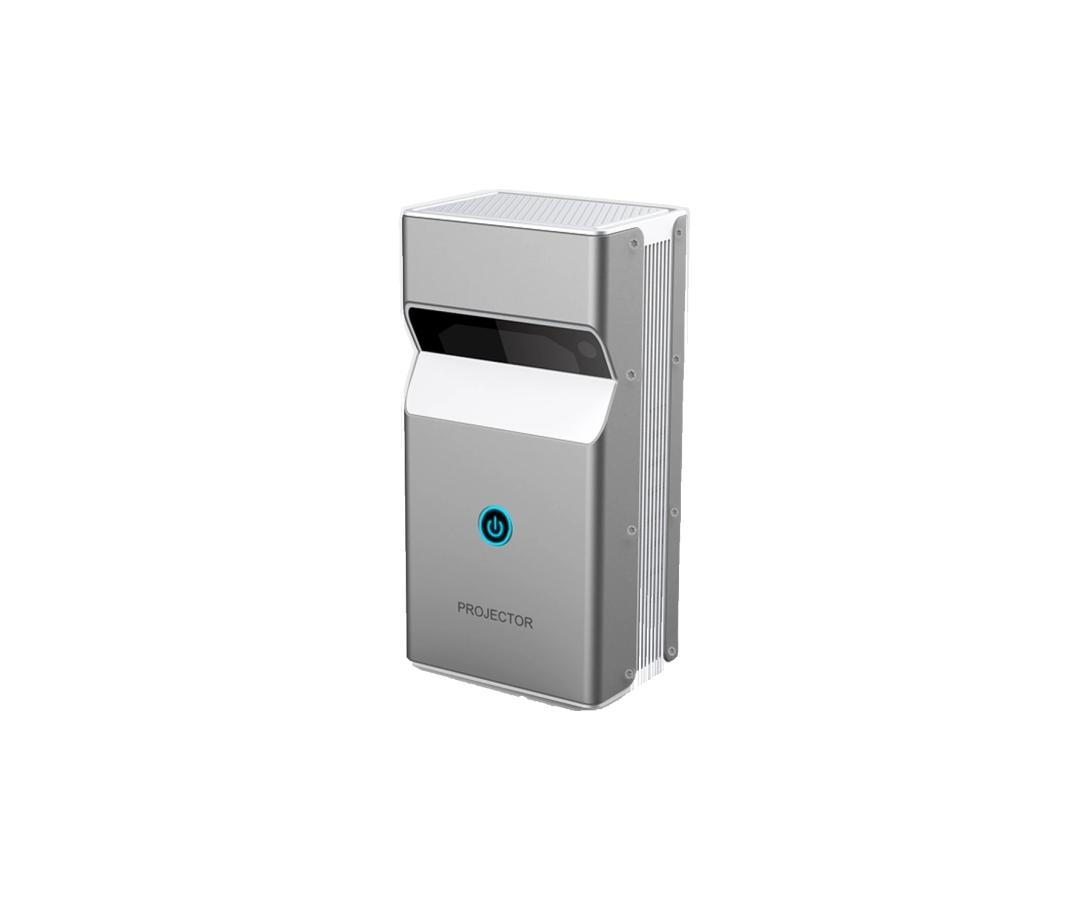
| Lights-out home cinema | Fully dark room · evening viewing · 80–120″ screen | 240–350 ANSI | GP93A portable |
| Dimmed living room | Lamps off, low indirect light · 100–150″ screen | 400–550 ANSI | GP8 UST |
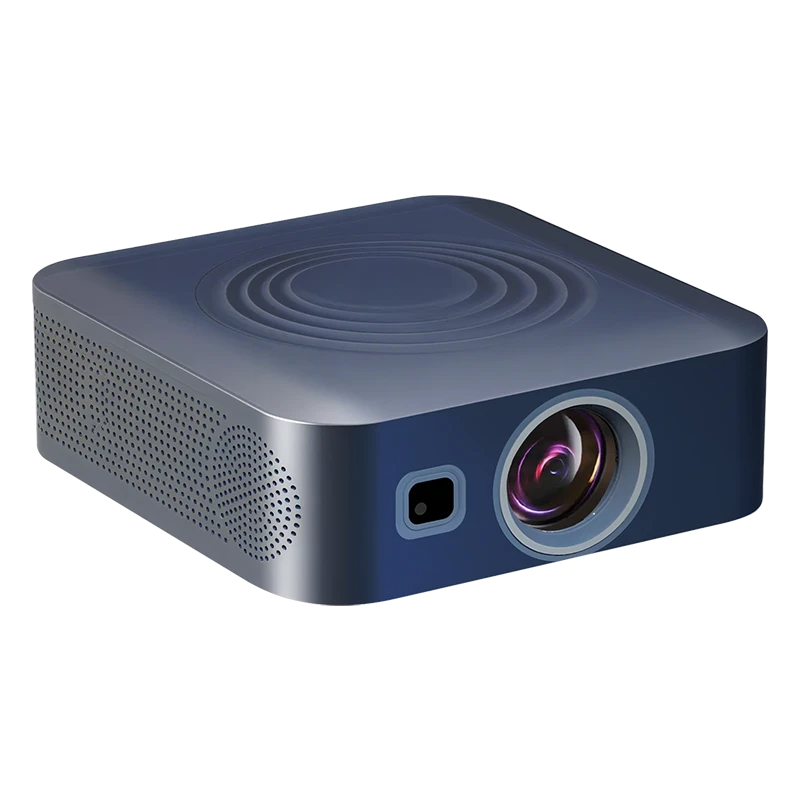
| Guests & family viewing | Some house lights · mixed seating · 100–130″ screen | 550–700 ANSI | GP94C Google TV |
| Bright room, curtains open | Daylight · sports & gaming · 100″+ screen | 800–1000+ ANSI | GP98 dust-free |
*Planning bands only, derived from the laboratory method below — not guaranteed specifications for your room. Screen gain, wall colour and viewing schedule move the number up or down; always confirm room brightness selection on a production-intent sample.
How the bands are derived

Laboratory evidence
Every figure quoted above traces back to a measurement in the in-house optical laboratory: dark-room brightness, nine-point uniformity, contrast and post-aging stability — photographed on the DataMax floor, not rendered.
 Brightness
A calibrated meter reads the white field across the 3 × 3 grid; the mean — not the hottest spot — becomes the ANSI figure.
 Dark room
Every finished projector is powered on in a line-side dark room, where the projected image, focus and alignment are checked before pack-out.
 Uniformity
Corner-to-centre consistency is graded against the measurement standard so the edges do not vignette on a bright scene.
 Contrast
Black level and contrast are checked with room light removed, where wash-out and stray reflections cannot hide.
Common misconceptions
FACTPeak or maximum brightness is a single best-case reading, often in a special mode. ANSI averages nine screen points in a defined setup — that average is what a normal film actually looks like, so ask which figure is printed.
FACTOnly if contrast, colour and uniformity keep up at your screen size. Excess brightness in a dark room mostly costs fan noise, heat and money; match output to the room, then judge the image as a whole.
FACTThere is no universal multiplier. Panel transmission, prism and lens losses, drive mode and thermal throttling all differ between engines, so the same source rating can produce very different ANSI results.
FACTA hot centre with dim corners or skewed white looks worse than a slightly lower, even and accurate image. Request the nine-point sheet together with uniformity and white-balance data instead of chasing one number.
Projector brightness guide FAQ
Ordering in volume? The OEM service brands an existing, measured brightness grade with your logo and firmware.
For a fully dark bedroom at 80–120 inches, yes — the 240 ANSI GP93A is built for exactly that use: a lights-out film with a quiet fan that will not disturb sleepers nearby. It is not enough for a sunlit living room, a 150-inch image or viewing with house lights on, where you should start in the 400–550 ANSI class. Treat every band as a starting point and confirm on a sample in the actual room.
Roughly 37% more measured light on the screen. On the same screen in a dim room the step is noticeable rather than dramatic; with some ambient light or a larger image it is the difference between watchable and comfortable. The 400-class GP8 UST spends its engineering budget on the ultra-short-throw lens, while the 550-class GP94C pairs the higher output with certified Google TV.
For curtains-open viewing on roughly a 100–120 inch screen, start at 800 ANSI lumens or higher — the sealed GP98 is the reference point in the DataMax range. On a smaller screen, or with curtains drawn, 550 ANSI can work. Daylight also lifts the black floor, so contrast ratio, screen shading and a dust-free engine that maintains output over time matter just as much as the raw lumen figure.
They are not the identical standard, but they are close in intent. Both measure the complete projector on a projected field and both use a nine-point layout — the ANSI/NAPM IT7.228 family of methods and ISO/IEC 21118. Small procedural differences mean the two figures are broadly comparable rather than perfectly interchangeable, so note which method was used when cross-shopping brands.
There is no trustworthy fixed formula. Light-source lumens rate the emitter before the optical engine, and the gap to the screen depends on the LCD or LCoS panels, prism and lens throughput, drive mode and thermal throttling. Two products quoting the same LED-lumen figure can land at quite different ANSI figures, so ask the factory for the nine-point measurement of the exact SKU in its reference picture mode.
Request the per-model ANSI test sheet and a production-intent sample, then repeat the same nine-point check: a dark room, a warmed-up unit, reference picture mode and a calibrated meter at the screen plane. DataMax supplies brightness, uniformity and post-aging measurements on request and demonstrates them live in the projector showroom during a factory visit, so room brightness selection is based on data rather than a brochure number.
Tell us the room, screen size and light conditions. Engineering sends the nine-point brightness sheet, uniformity and post-aging measurements for the exact SKU — and a production-intent sample to verify on your own wall.
Subscribe to our newsletter and be the first to know about new products, OEM/ODM tips, exclusive offers, and factory updates.